How To Plan A Useful AI Meeting Notes Workflow With Human Review
A practical step-by-step guide to how to plan a useful AI meeting-notes workflow with human review, including preparation, instructions, common issues, tips, and next steps.
How To Plan A Useful AI Meeting Notes Workflow With Human Review
This guide explains how to set up a practical AI meeting-notes workflow that includes human review at every stage. You will learn to prepare your meeting environment, capture audio and text with AI tools, structure the raw transcript into clear notes, and then review the AI's output for accuracy, tone, and missing context. The process emphasizes a human review step because AI can mishear names, miss non-verbal cues, and omit action items. By following this workflow, you will produce reliable meeting notes that support decisions and follow-up tasks.
Fast Answer
- Record the meeting with a reliable audio capture tool and use an AI transcription service to convert speech to text, then edit the transcript for obvious errors before sending it to an AI summarizer.
- After the AI generates notes, assign a human reviewer to check for correct names, decisions, and action items, then add any missing context and confirm the final version with the meeting participants.
Before You Start
- Before the meeting, set a clear agenda and share it with participants so they know the topics and expected outcomes; this helps the AI capture relevant discussions and reduces irrelevant chatter.
- Choose a quiet room with a good microphone and minimal background noise, and test your recording device to ensure it captures all speakers clearly, especially if the meeting is remote or hybrid.
- Decide which AI tool you will use for transcription and summarization, and familiarize yourself with its export and edit features so you can quickly correct mistakes during the review phase.
- Name the recording file with the meeting date, purpose, and participants, and store it in a dedicated folder so that you can easily retrieve the original audio if you need to verify the notes later.
Step-by-Step Instructions
Set Up Your Meeting Recording Environment
Start by preparing your meeting space to capture clear audio. If you are in a physical room, choose a quiet area away from fans, air conditioners, and busy hallways. Place the microphone near the center of the table or ensure each remote participant has a good microphone. For virtual meetings, use a dedicated recording app that captures audio and video separately. Test the recording a few minutes before the meeting by speaking a short sentence and playing it back to check for clarity. Also, set your agenda and share it with participants, because the AI will generate better summaries if the meeting has a clear structure. Confirm that all participants consent to recording, and note their verbal or written agreement in your own pre-meeting notes. Once the recording is running, mute any devices that might make notifications. This preparation saves time later because you will not have to guess what was said or ask people to repeat themselves.
Record the Meeting and Capture the Raw Transcript
As the meeting begins, start the recording and also enable live transcription if your tool supports it. If not, simply record the audio and use the AI transcription feature afterward. During the meeting, focus on the discussion, but occasionally glance at the transcript to notice any obvious errors that you can correct later. When the meeting ends, stop the recording and export the transcript to a text file. If your tool does not provide a transcript, use a separate transcription service that uploads the audio and returns a text file. After you have the raw transcript, read through it quickly to identify any garbled words, especially names, acronyms, and numbers. You do not need to correct everything at this stage; just flag the parts that look wrong. Keep the original audio file in a safe place, because you may need to refer back to it during the human review step. A clean raw transcript makes the next steps much easier.
Edit the Transcript for Clarity and Context
Open the raw transcript in a text editor and correct the most obvious mistakes. Start by fixing names of people, companies, and products, as well as technical terms and numbers. If the transcript has filler words like 'um' and 'ah', you can remove them but do not lose any important meaning. Also, add paragraph breaks where the topic changes, because the AI summarizer will process the text better when it is logically structured. If there are parts where people talked over each other, try to identify what each speaker said by listening to the audio. Do not spend too long on this; your goal is to create a usable transcript, not a perfect one. After editing, save the file with a clear name, like 'meeting_transcript_edited.txt'. This edited transcript will be the input for the AI note generator. By cleaning the text first, you reduce the chance that the AI will misinterpret hard-to-understand segments and produce misleading summaries.
Generate Structured Notes from the Edited Transcript
Feed your edited transcript into an AI summarization tool that can extract key points, decisions, and action items. If your tool does not have a specific meeting-notes template, instruct it to create sections such as 'Summary', 'Decisions', 'Action Items', and 'Open Questions'. Give the AI a clear prompt, for example: 'Create concise meeting notes from this transcript. Include the main topics discussed, decisions made, and action items with owners and deadlines. Do not invent information.' After the AI generates its notes, review them to see if the structure matches what you expected. Sometimes the AI will include too much detail or miss an important point. You can adjust the prompt and run the AI again, but do not generate multiple versions unless needed, because that can create confusion. Once you have a draft, copy it into a new document and prepare for the human review step. This automation saves you time from writing notes from scratch, but the result is only a starting point.
Perform a Detailed Human Review of the AI Notes
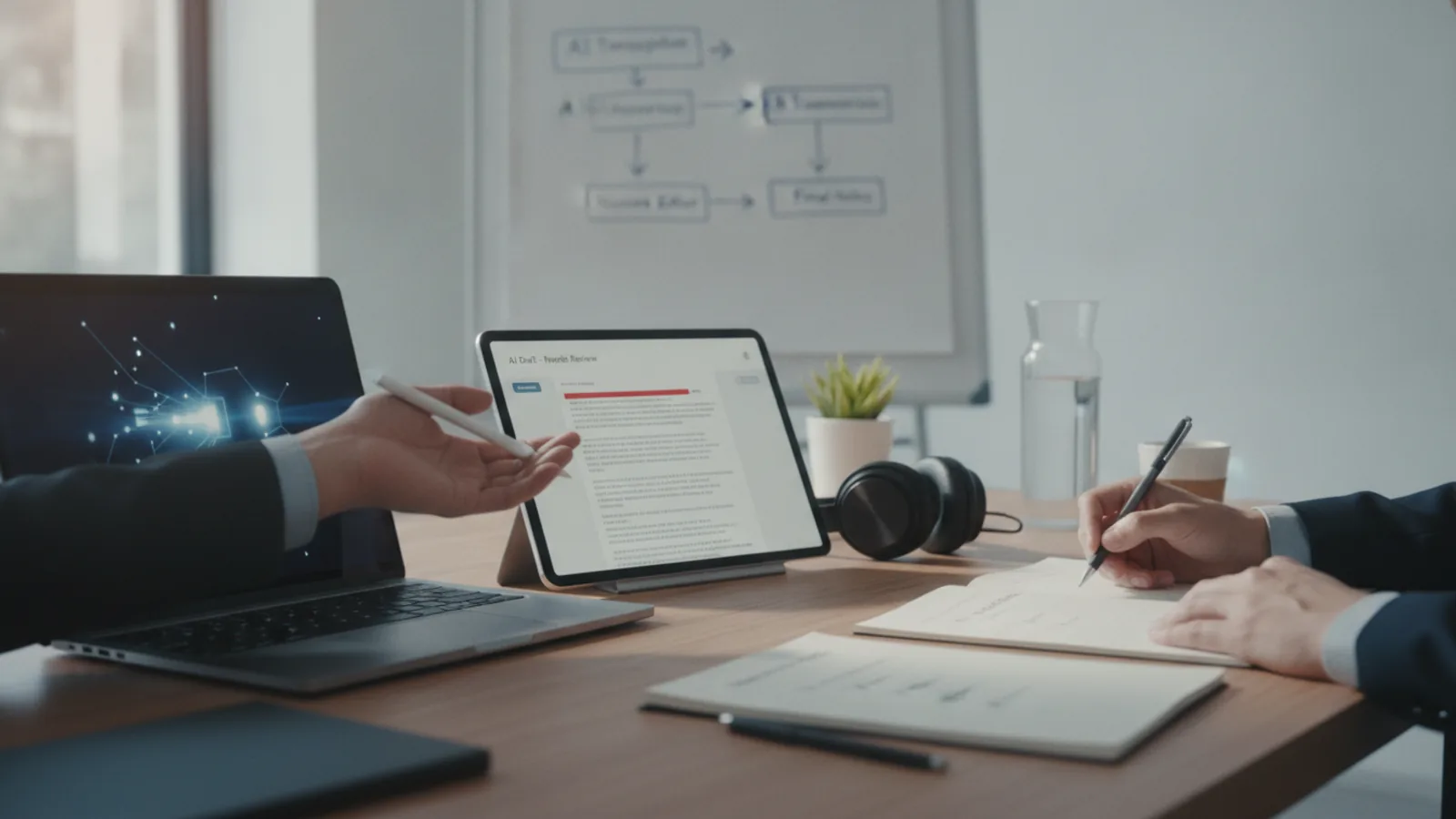
This step is critical: print or open the AI-generated notes and read them side by side with the original transcript. Check for three things: accuracy, completeness, and tone. Accuracy means verifying that names, numbers, and quotes are correct. Completeness means ensuring that every major discussion point and all decisions are captured. Tone means making sure the notes sound neutral and factual, not biased or opinionated. As you review, mark any corrections directly on the document. For example, underline a name that is spelled wrong, or add a missing action item in the margin. Also, listen to the audio for any part that is unclear to you. If you were not the note-taker, ask another participant to verify the action items and decisions. After you finish, incorporate all your edits into the final version. This human check is what separates a reliable record from a potentially misleading one.
Share the Final Notes and Gather Feedback
After you have edited the notes, distribute them to all meeting participants promptly, ideally within 24 hours. In your message, explain that these are AI-assisted notes with human review, and invite everyone to send any corrections or additions. Ask each participant to confirm that their assigned action items are correct and that the summary reflects what was discussed. Set a deadline for feedback, for example, one or two business days. When you receive feedback, update the notes and resend the final version. Store the notes in a shared space like a project folder or document repository, and link them to the original recording. This process ensures that everyone has the same understanding and that action items are tracked. Over time, you can refine your workflow by noting what types of errors the AI makes most often in your meetings, and then adjust your preparation or prompts accordingly.
Quick Reference
| Situation | Action | Why it helps |
|---|---|---|
| The AI transcript has a completely garbled sentence with multiple errors. | Listen to that exact segment in the original audio and type out the correct sentence yourself, rather than trying to guess from context. | Guessing can recreate the wrong meaning, and a quick audio check takes only a few seconds but ensures the note is accurate. |
| You notice the AI missed an action item that was clearly assigned during the meeting. | Add the action item to the notes, write the owner’s name and the deadline if it was mentioned, and mark it as 'added during human review'. | Missing action items are common in AI summaries, and manually adding them prevents tasks from slipping through the cracks. |
| A participant disagrees with a decision that is written in the AI meeting notes. | Check the original transcript and audio to find the exact wording of that decision, then note the discrepancy in the final notes and ask the participants to clarify. | Using the primary source prevents assumptions and keeps the meeting record trustworthy for everyone. |
Common Issues
- The AI frequently mishears technical terms or product names, making the notes inaccurate.: Before the meeting, prepare a glossary of likely terms and proper names, and provide it to the AI tool as a 'custom vocabulary' or 'frequently used words' list if supported. During the review, correct these terms and mention to the team that they should spell out new terms when they first use them.
- The low-quality audio from a remote participant makes the transcript unusable in parts.: Ask remote participants to use a headset microphone instead of their laptop speaker, and place the main microphone close to the speaker. After the meeting, if a section is unclear, contact that participant individually to ask what they said, and then edit the notes accordingly.
- The AI-generated notes contain opinions or emotional language that are not appropriate for a neutral meeting record.: During the review, rephrase any subjective or colorful statements into objective language. For example, change 'John was angry about the delay' to 'John expressed concerns about the delay'. This keeps the notes professional and factual.
Advanced Tips
- For recurring meetings, create a template for your AI prompts that includes the meeting type, desired sections, and a note to ignore small talk, so the output is consistent each time.
- Periodically evaluate the quality of your AI notes by comparing them to a manually taken set of notes from the same meeting, and then adjust your workflow to address common gaps.
- If your budget allows, use a human transcription service for critical meetings with high stakes, and use AI for routine ones to save time and money.
Final Checklist
- Before the meeting, I have set a clear agenda and informed participants that the meeting will be recorded, and I have tested my recording equipment.
- After the meeting, I have exported the raw transcript and edited it to correct obvious errors, especially names and numbers.
- I have used an AI tool to generate structured notes, and I have personally reviewed the notes against the transcript and audio for accuracy and completeness.
- I have shared the final notes with all participants, requested their feedback, and stored the notes and original recording in a shared folder for future reference.
FAQ
What should I do if I do not have an AI transcription tool?
If you do not have a dedicated tool, you can use a free online service that converts audio to text, or you can manually take notes during the meeting. If you choose manual notes, still record the meeting as a backup, and then later use a free AI-based summarizer on the transcript if you can obtain one. The key is to have a starting point that you can refine.
How much time should I spend on human review of AI notes?
The time required depends on the length and importance of the meeting. For a one-hour meeting, plan to spend about 15 to 20 minutes reviewing and editing the AI draft. For high-stakes meetings, double that time. The goal is to catch any significant errors while still saving time compared to writing notes from scratch.
Can I skip the human review if the AI notes look good?
No, even if the notes appear accurate at a glance, subtle errors can cause misunderstandings. AI notes can lack context, such as body language or jokes, and may not capture subtle agreements. A quick human review is a safeguard that ensures the notes are truly reliable and useful for everyone.